Export Calculation Results
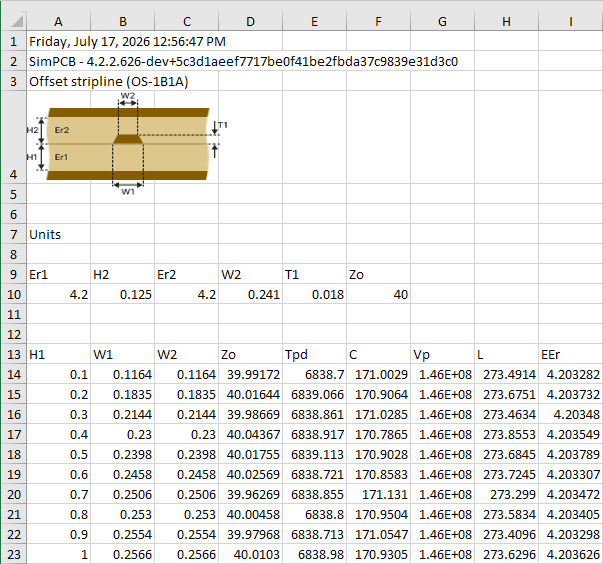
SimPCB Lite allows you to export calculation results in XLSX format.
To export data, select a calculation in the Projects panel and then do one of the following:
-
Click the Export calculation to XLSX button in the main toolbar.
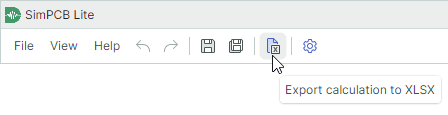
or
-
Select Export → Calculation (XLSX) from the File menu.
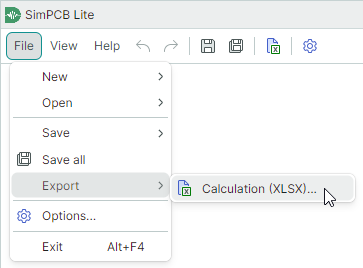
The Save As dialog that appears allows you to save the calculation results as an XLSX file with a name of your choice. The default file name matches the name of the source calculation in the Projects panel.
The following image demonstrates a sample output XLSX file.