Install SimPCB Lite
Follow these steps to install SimPCB Lite on a Windows operating system:
-
Right-click the
SimPCBLite_release.exeinstaller file and select Run as administrator. -
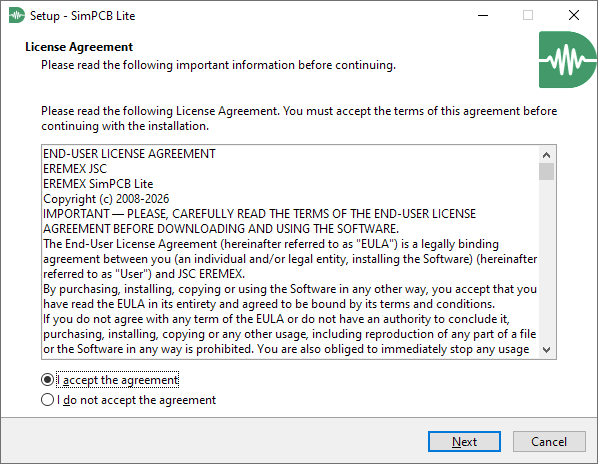
Read the license agreement, accept the terms, and click Next.
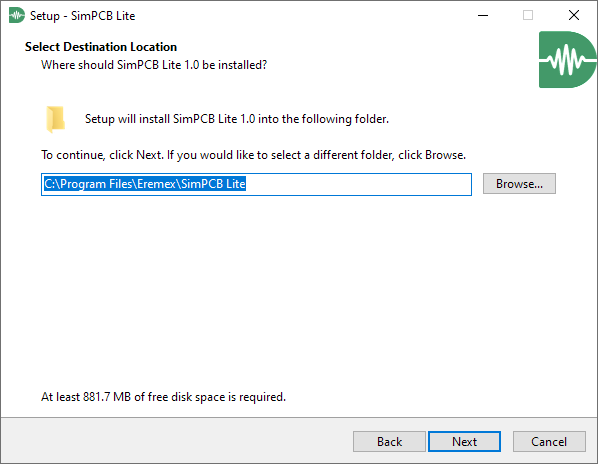
- Choose the destination folder for the installation, then click Next.
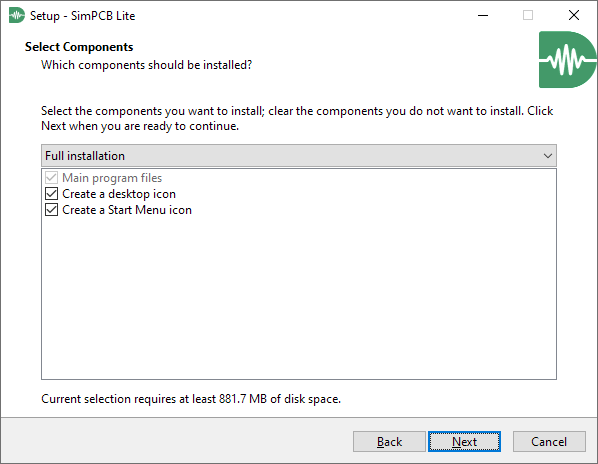
- Select the components you want to install and click Next.
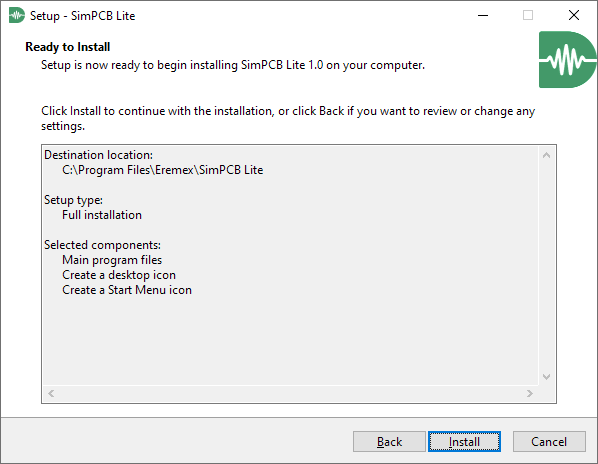
- Review your settings and click Install to begin the installation.
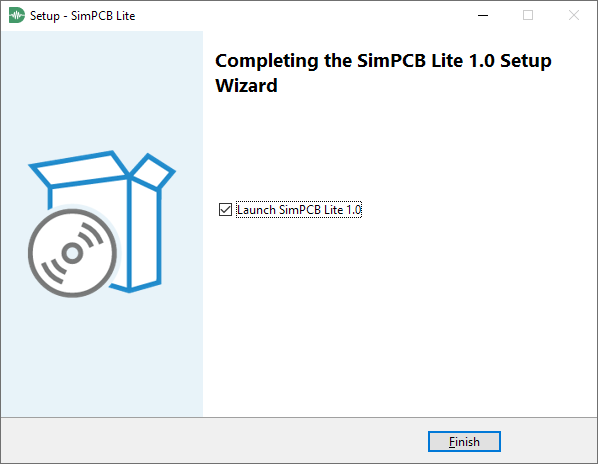
- Wait for the installation to complete, then click Finish to exit the setup wizard.