Settings (Control Panel)
Open Settings Window
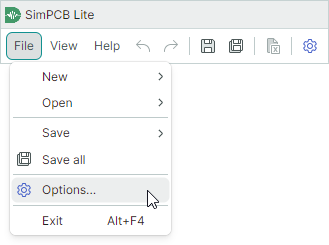
You can customize general calculation settings using the application's Control Panel. To open this window, do one of the following:
-
Go to File → Options in the main menu.
-
Click the Calculation settings button on the main toolbar.

Customize Settings
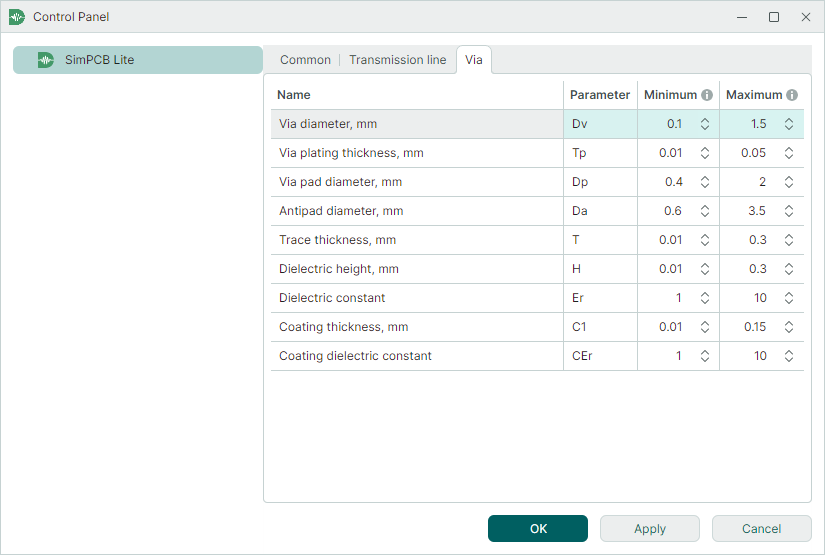
The Control Panel contains three tabs that allow you to customize general calculation settings, as well as specific settings related to transmission lines and vias.
Common Settings
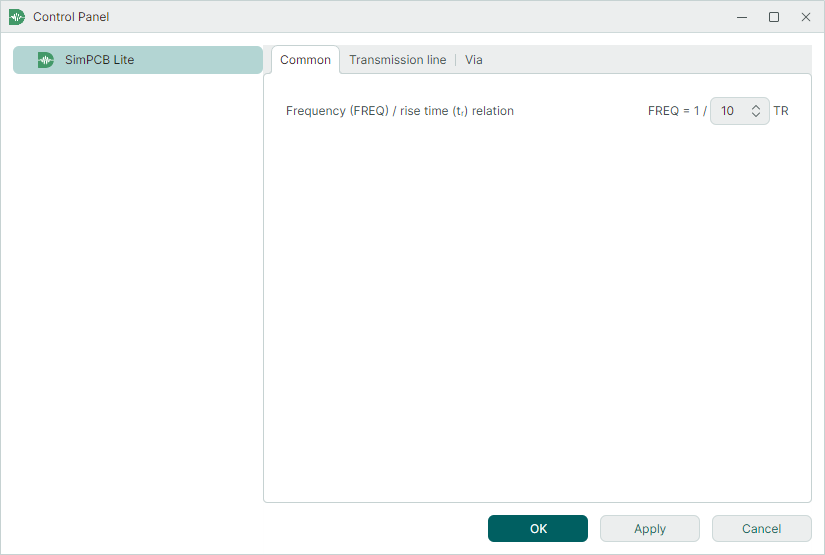
This tab contains settings common to all calculation types.
-
Frequency (FREQ) / rise time (tr) relation — Specifies the relationship between signal frequency and rise time for frequency-dependent calculations. This relationship is applied in Frequency domain analysis.
The signal frequency and rise time parameters are interrelated. A line links the TR and FREQ parameters in the calculation setup UI to show their relationship.

Transmission Line Settings
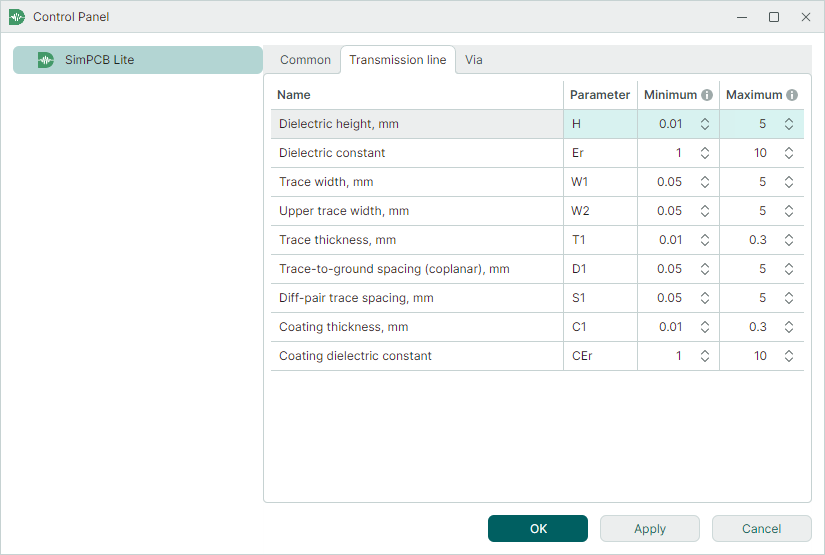
This tab allows you to customize the default value ranges of transmission line parameters used in parametric sweeps.
Via Settings
This tab allows you to customize the default value ranges of via parameters used in parametric sweeps.