Online Activation
-
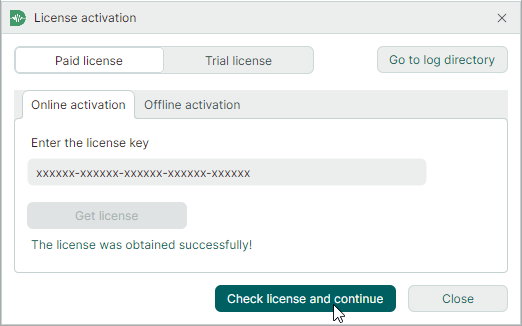
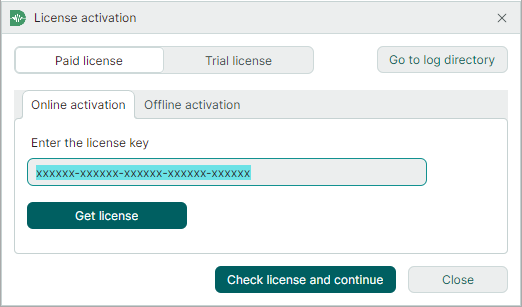
Start SimPCB Lite. In the License activation window that appears, enter your license key.
Tip
You can also activate your license using Guardant License Wizard. This tool is a graphical (GUI) and command-line utility that allows you to add, update, and transfer licenses.
The executable file,
license_wizard.exe(for Windows), is located in theLicenseActivationsubdirectory of your SimPCB installation folder (C:\Program Files\Eremex\SimPCB Lite\LicenseActivation\, by default). -
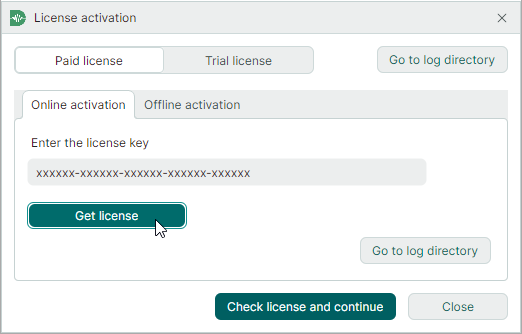
Click Get license.
-
After the license is successfully obtained, click Check license and continue.