Calculation
A calculation is performed on a model of a transmission line or via using specified input data. Each calculation defines input parameters, as well as result presentation settings. Calculations are always linked with target models.
Calculation Types
The following image demonstrates available calculation types in SimPCB Lite.
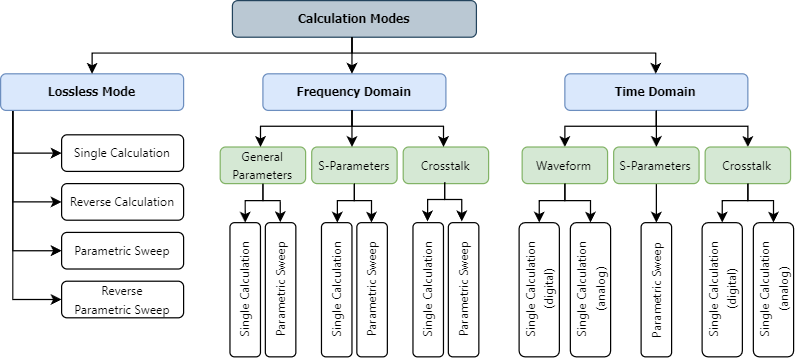
Each calculation is identified by an icon that is specific to the calculation type. These icons are displayed in the Projects panel and in tabs (when calculations are opened). See the following section for more information: Calculation Icons.
Create Calculation
A calculation is automatically created when you add a new project or group.
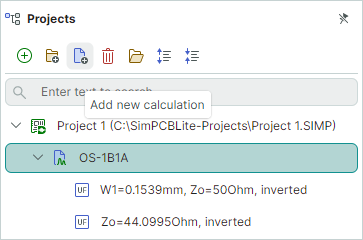
You can also add calculations using the Add new calculation button in the Projects panel toolbar.
Open Calculation
To open a calculation for browsing and editing, do one of the following:
- Double-click the calculation in the Projects panel.
or
-
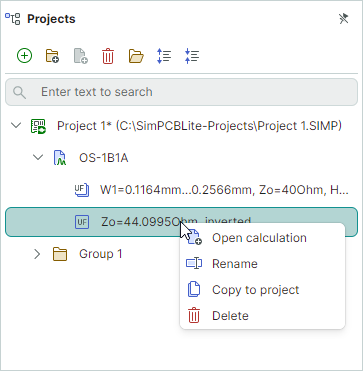
Right-click the calculation in the Projects panel and select Open calculation.
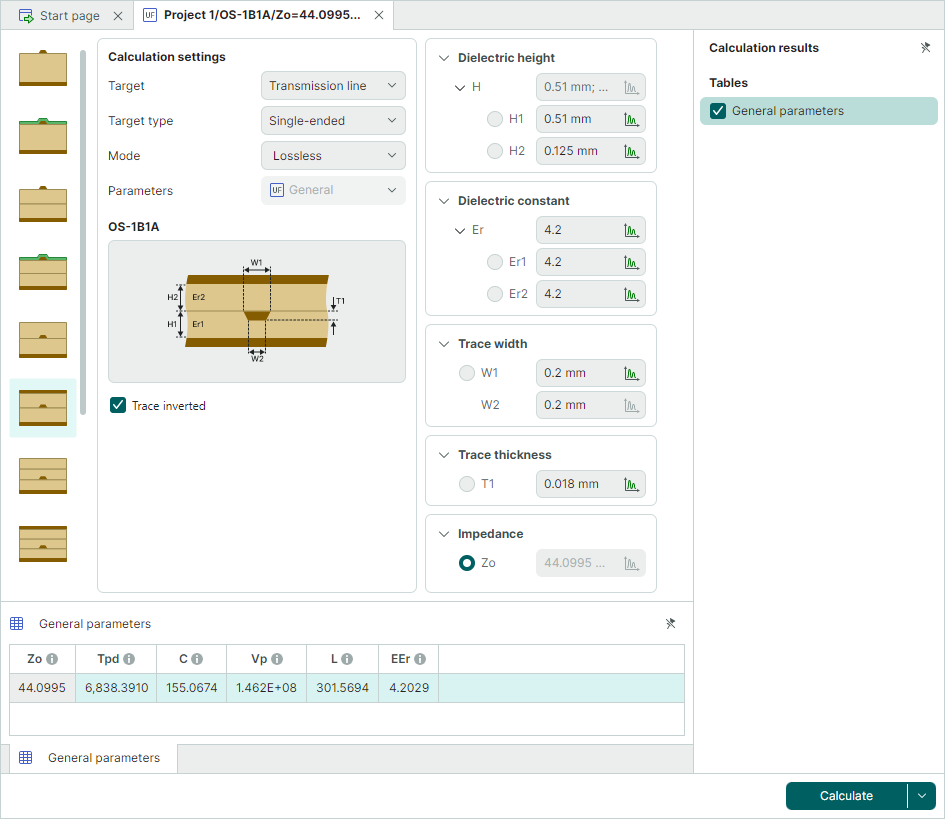
When you open a calculation, it is displayed in a tab.
Rename Calculation
- Select the calculation (for instance, by a mouse click) in the Projects panel, and then press F2, or click the calculation name again.
or
-
Right-click the calculation, and select Rename from the context menu.
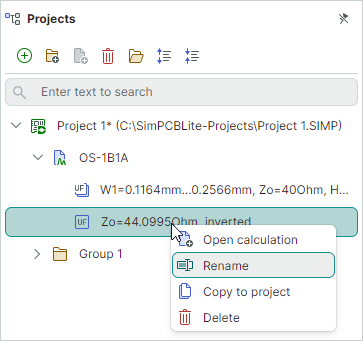
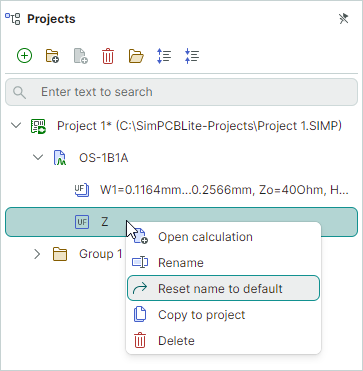
If you need to restore the default name after renaming a calculation, use the Reset name to default command from the context menu.
Copy Calculation
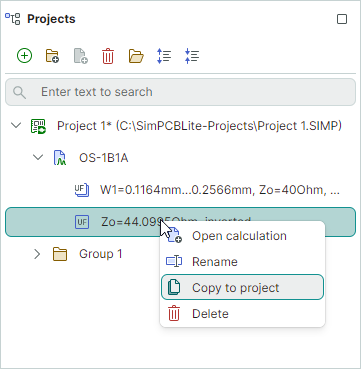
You can copy a calculation to the current or another project by using the Copy to project command available in the context menu.
Delete Calculation
-
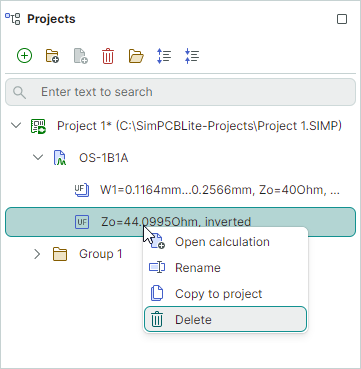
Right-click the calculation in the Projects panel and select Delete.
or
-
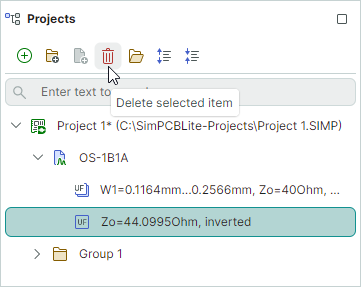
Click the Delete selected item button in the Projects panel toolbar.
Calculation Icons
Each calculation is marked with a specific icon that corresponds to the calculation type. These icons are displayed in the Projects panel and in the tab that opens for the calculation.
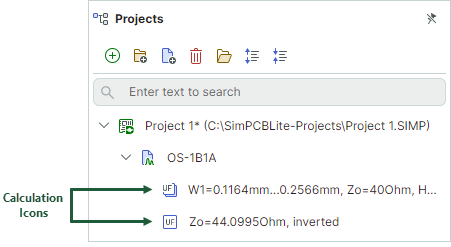
The following icons are used for various calculation types:
Lossless Mode
 — Single calculation
 — Parametric sweep
Frequency Domain Analysis
General Parameters
 — Single calculation
 — Parametric sweep
S-Parameters
 — Single calculation
 — Parametric sweep
Crosstalk
 — Single calculation
 — Parametric sweep
Time Domain Analysis
Waveform
 — Single calculation for digital and analog signals
S-Parameters
 — Parametric sweep
Crosstalk
 — Single calculation for digital and analog signals